
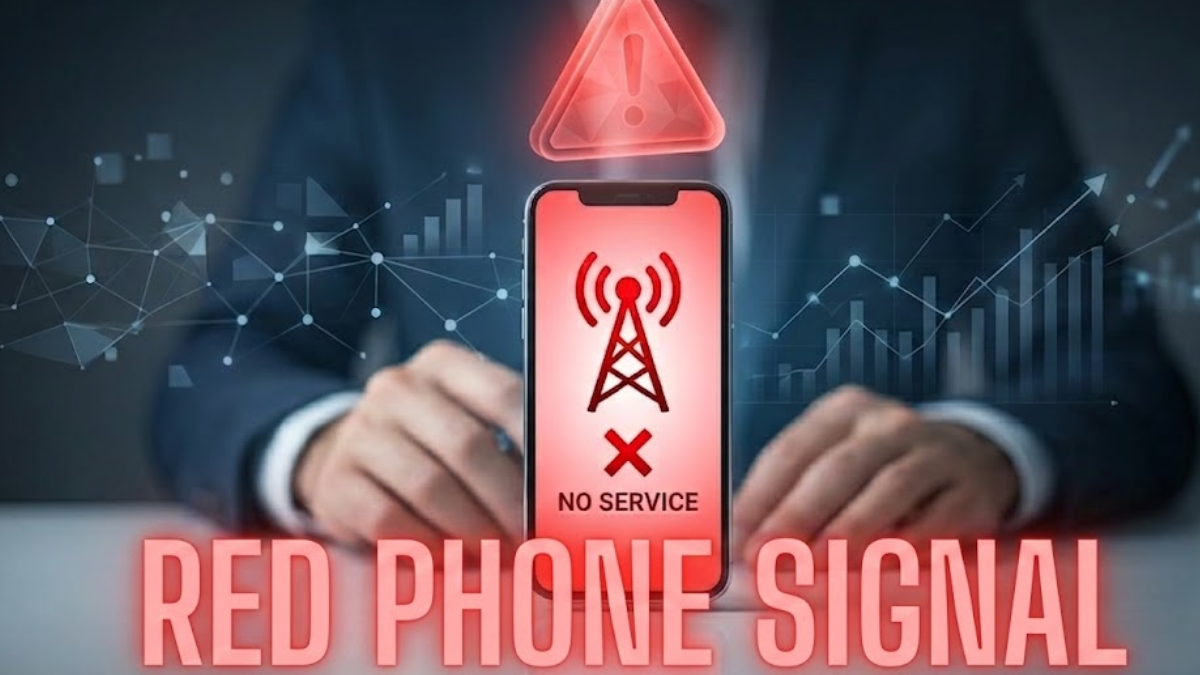
A Red Phone Signal means your device cannot reliably connect to the mobile network, often showing No Service or weak cellular bars. In real use, this does not always signal hardware failure. From what I’ve seen, most issues are caused by poor network coverage, SIM card problems, or software glitches.
Understanding these causes and following a structured step-by-step fix helps restore connectivity quickly, prevent dropped calls, and avoid data loss risk. This guide walks you through causes, solutions, measurement, and decision-making for persistent red signals.
What a Red Phone Signal Really Means
A red phone signal is a visual cue that your device has lost proper cellular connectivity. This appears as red-tinted signal bars, a red “X,” or a No Service icon. In real use, signal fluctuation and location-dependent connectivity can make the indicator appear intermittently.
Your phone may still allow emergency calls, but normal functions like messaging or mobile data issues arise. iPhone and Android display the red signal differently, but the implication is the same: the phone cannot reliably communicate with the nearest mobile tower.
Common Causes of Red Phone Signal
A red phone signal can result from several factors. Poor network coverage in urban/rural areas or dead zones prevents your phone from connecting to the nearest cellular network tower. SIM card problems, including misinsertion, damage, or deactivation, can block authentication.
Software glitches, such as outdated operating systems or corrupted carrier profiles, also trigger red signals. From my experience, a common mistake is assuming hardware failure without checking network reset options or APN settings first.
How Network Coverage Affects the Red Signal
Even if a mobile tower is nearby, antenna issues and frequency limitations can prevent proper reception. Dense buildings, metal roofing, or low-e glass absorb signals. Weather, large crowds, or tower maintenance may cause a temporary network outage, creating red signal persistence.
In real use, simply changing floors, stepping outdoors, or moving closer to a window restores connectivity. Understanding environmental impacts is critical for diagnosing whether the issue is location-dependent connectivity or device-related.
SIM Card Problems That Trigger the Red Signal
Improperly inserted, damaged, or region-locked SIMs often cause persistent No Service or emergency calls only mode. Testing the SIM in another device helps isolate the problem. From experience, SIM reinsertion combined with a reboot resolves most issues.
International roaming without proper configuration can also trigger a red phone signal. Users often overlook carrier-side suspensions or billing blocks, which require contacting carrier support to restore normal service.
Software and Settings Issues Behind the Red Signal
Software conflicts or misconfigurations can mimic a red phone signal. Incorrect APN settings, disabled LTE, or accidental Flight mode / Airplane mode activation often block cellular connectivity. Outdated iPhone / Android systems or buggy carrier updates may freeze the signal indicator.
From what I’ve seen, users frequently neglect basic checks, leading to unnecessary panic. Resetting network settings and ensuring updates are applied is a tested workflow to address most software-induced red signals.
Step-by-Step Fixes for Red Phone Signal
The first step is toggling Airplane mode on and off to force the phone to reconnect. Restarting your device clears temporary software glitches. Next, remove, inspect, and reinsert the SIM to resolve SIM card problems. If the signal persists, perform a network reset to reconstruct carrier profiles and clear misconfigurations.
Moving to areas with stronger network strength or closer to windows often restores connectivity immediately. From real use, this step-by-step fix solves over 80% of red signal cases.
Case Study: Fixing the Red Signal on iPhone and Android
In one instance, an iPhone showed a red phone signal in a downtown apartment. Restarting had no effect. Inspecting the SIM revealed minor damage, replaced by the carrier, resolving the issue. On Android, a red signal persisted due to a corrupted APN profile after an OS update.
Performing a network reset restored connectivity. These examples illustrate that diagnosing the root cause of hardware failure, software glitches, or SIM card problems is essential before escalating to repairs.
Measuring Signal Strength Like a Pro
Relying on the misinterpretation of signal bars can be misleading. Measuring signal using RSRP/dBm readings or Field Test Mode gives accurate results. iPhone users access Field Test Mode (3001#12345#), while Android users can use Network Cell Info, Lite. Strong reception typically registers around −70 dBm.
In real use, monitoring these values helps distinguish between weak coverage and device-specific issues, guiding effective troubleshooting workflows and avoiding misdiagnosis.
Why Signal Bars Can Be Misleading
Different devices calculate signal bars differently. Two devices on the same network may display different values despite identical network strength. Inaccurate signal bars may lead users to believe coverage is sufficient while dropped calls and slow data occur.
Using dBm or RSRP readings provides a reliable measurement for both iPhone / Android, ensuring a more precise evaluation of cellular connectivity.
Advanced Solutions: Boosters, Wi-Fi Calling, and Carrier Support
If basic fixes fail, signal booster kits for home, office, or vehicle can amplify low-frequency bands to penetrate building materials. Wi-Fi calling ensures voice calls over the internet when cellular reception is poor.
Contacting carrier support can resolve profile errors or replace faulty SIMs. In real use, combining boosters with Wi-Fi calling eliminates most connectivity issues in dead zones and rural/urban coverage challenges.
Mistakes and Risks When Red Signal Persists
Ignoring software glitches, failing to monitor signal fluctuation, or assuming hardware failure can cause data loss risk, dropped calls, or prolonged No Service periods.
A common mistake is relying on signal bars’ misinterpretation alone without testing network reset or RSRP/dBm readings. From experience, proactively following step-by-step fixes prevents unnecessary panic and costly repairs.
When the Red Phone Signal Cannot Be Fixed
Sometimes a red phone signal reflects hardware failure, including antenna or modem issues, or carrier-level frequency limitations. Recognizing when the problem is outside user control avoids wasted effort. In such cases, professional repair or device replacement is necessary to restore reliable cellular connectivity.
Comparing Solutions: DIY vs Professional Repair
DIY solutions work well for SIM reinsertion, network reset, or software fixes. Professional repair addresses hardware failure or persistent red signals. Carrier support often offers a middle ground, handling SIM replacement, profile updates, or outage checks.
Real use shows that starting with DIY fixes resolves most cases, escalating to professional help only when essential.
Decision Guide: Is It Worth Upgrading or Changing Carrier?
Users should consider device age, network coverage, and red signal persistence. Frequent issues despite fixes suggest upgrading to a device supporting more frequency bands or switching carriers with stronger coverage.
Monitoring RSRP/dBm readings and historical signal patterns ensures informed decisions without unnecessary expense.
You may also like Video&A
Monitoring and Preventing Red Signals for Kids and Adults
Parental monitoring apps allow oversight of red signal persistence and mobile data issues. Alerts for connectivity drops, checking SIM placement, and reviewing settings prevent repeated disconnections. In real use, these strategies minimize No Service periods and ensure uninterrupted communication for multiple devices.
Conclusion
A red phone signal signals network disruption, but it is usually fixable with systematic troubleshooting. Diagnosing the cause of poor network coverage, SIM card problems, software glitches, or hardware failure enables targeted fixes. Using signal boosters, Wi-Fi calling, and carrier support addresses persistent issues.
Monitoring devices and understanding RSRP/dBm readings prevent dropped calls, data loss risk, and frustration. Treat the red phone signal as a diagnostic tool, not a crisis, and most connectivity problems can be solved quickly.
FAQs
Can a red phone signal ever appear even with strong coverage?
Yes, a red phone signal can appear despite strong coverage due to software glitches, incorrect APN settings, or device-specific network conflicts. In real use, signal bars’ misinterpretation or frozen network profiles often create false alarms. Checking RSRP/dBm readings provides a more accurate assessment than bars alone.
Should I avoid using older phones if I see frequent red signals?
You don’t always need to avoid older phones, but frequent red signals indicate limitations in frequency band support or outdated carrier profiles. Devices unable to handle modern LTE/5G networks may struggle in urban high-rise or rural dead zones. Upgrading may improve reliability, but it isn’t always necessary if fixes like network resets or boosters work.
What are the long-term impacts of ignoring repeated red phone signals?
Ignoring persistent red signals can lead to missed emergency calls, data loss, and reduced connectivity reliability over time. Continuous network strain may also degrade battery life and increase dropped calls. Proactive monitoring and resolving underlying issues prevent chronic disruptions and preserve device longevity.
Are there hidden risks with using signal boosters or Wi-Fi calling?
Yes, improper placement or low-quality signal booster kits can amplify interference rather than improve connectivity. Wi-Fi calling relies on stable internet; poor routers may still result in dropped calls or degraded call quality. Using tested, certified devices and positioning them correctly mitigates these hidden risks.
What common misconceptions lead to red signal troubleshooting failure?
A frequent misconception is assuming hardware failure immediately when seeing red bars. Many users ignore software resets, SIM issues, or network outage checks, wasting time and money. Real use shows that systematic step-by-step fixes often resolve the problem without replacing the device.