
Introduction
Modern web applications depend heavily on rich visuals to communicate effectively, but images are also a major reason for poor performance when not handled properly. Large, unoptimized assets can slow page load, increase bounce rates, and reduce user experience across devices.
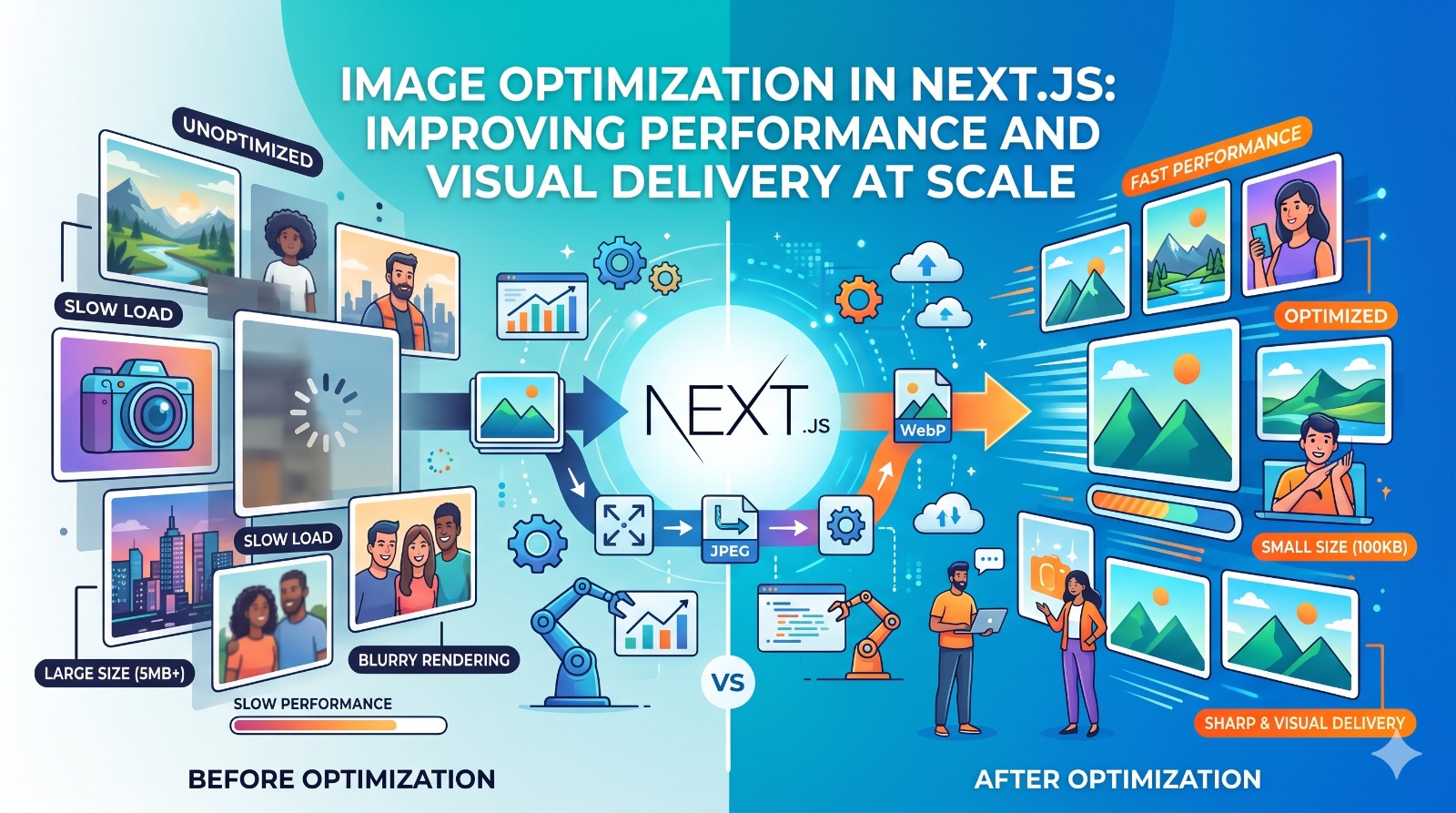
Image Optimization in Next js helps to solve this challenge with automatic image resizing, lazy loading, and efficient image formats. This keeps the applications fast while still showing high-quality visuals.
In production environments, image optimization in modern React frameworks like Next.js has become important for balancing performance, SEO, and user experience across responsive interfaces.
Why Image Optimization Matters in Modern Web Applications
Images often account for the largest portion of a webpage’s total load size. Without proper optimization, they can slow rendering and increase time to interactive.
Efficient image handling assures users receive suitable image sizes based on their device, screen resolution, and network conditions. This directly improves perceived performance and engagement.
Teams working with nextjs development services often prioritize image optimization strategies early in the architecture phase to ensure applications remain scalable and performant under high traffic conditions.
This approach helps reduce bandwidth usage while maintaining visual quality across all user touchpoints.
How Next.js Handles Image Optimization
Next.js provides a built-in Image component that automatically optimizes images based on device type and screen size. This eliminates the need for manual resizing and reduces development overhead.
Automatic Format Conversion
Images are served in modern formats like WebP when supported, improving compression without sacrificing quality.
Lazy Loading by Default
Images load only when they enter the viewport, reducing initial page load time.
Responsive Sizing
Different image sizes are generated automatically based on device breakpoints.
These capabilities make Image Optimization in Next js a practical solution for building high performance applications without needing additional third party dependencies.
Performance Benefits of Optimized Image Delivery
Optimized images directly contribute to faster page rendering and improved Core Web Vitals scores.
Reduced Load Time
Smaller image sizes decrease overall page weight, improving initial load speed.
Better User Experience
Users can interact with content faster without waiting for large assets to load.
Improved SEO Performance
Search engines prioritize fast-loading pages, making optimization a key ranking factor.
When used with structured frontend practices in next js development services, image optimization becomes part of a broader performance strategy that improves scalability and responsiveness.
Image Optimization Strategies in Real Applications
Beyond built-in framework features, developers often adopt additional strategies to further improve performance.
- Using CDN-based image delivery for global performance consistency
- Compressing images before upload to reduce file size
- Implementing adaptive image loading based on network speed
- Prioritizing above-the-fold images for faster perceived loading
These techniques help Image Optimization in Next js achieve better impact across different usage scenarios and traffic conditions.
Role of Image Optimization in User Experience Design
Visual performance is a core part of user experience. Even small delays in image loading can negatively affect user perception of an application.
Well-optimized images help to deliver smoother transitions, faster page interactions, and a more polished interface experience.
In larger design ecosystems, this aligns closely with practices used in ui development services, where visual consistency and performance optimization are treated as interconnected priorities rather than separate concerns.
This ensures that design quality is not compromised by technical inefficiencies.
Common Challenges in Image Optimization
While modern frameworks simplify image handling, certain challenges still exist.
Large Legacy Assets
Older applications often contain uncompressed images that require migration and optimization.
Device Fragmentation
Different screen sizes and resolutions require careful handling of responsive image delivery.
Balance Between Quality and Performance
Excessive compression can degrade visual quality if not managed properly.
Addressing these challenges requires a structured approach that combines technical optimization with design awareness.
When to Focus on Image Optimization in Next.js
Image optimization should be considered early in the development lifecycle, especially for applications that rely heavily on visual content.
It is particularly important for:
- E-commerce platforms
- Media-heavy websites
- Marketing landing pages
- Content-driven applications
In such cases, Image Optimization becomes a foundational performance requirement rather than an optional enhancement.
Future of Image Optimization in Modern Web Systems
As web applications become more immersive and media-rich, optimization techniques will continue to evolve.
Modern frameworks are moving toward smarter, context-aware image delivery systems that automatically adapt to user conditions in real time.
Within this growing landscape, Image Optimization will stay a core capability for creating fast, scalable, and visually rich web applications.
Conclusion
Image performance is a critical factor in modern web development, directly impacting speed, usability, and search visibility. Without proper optimization, even well-designed applications can suffer from poor user engagement and lower performance scores. By using framework capabilities and structured optimization strategies, developers can make visuals improve rather than slow down application performance. Image Optimization in Next js remains an important practice for creating fast, scalable, and user friendly applications that offer high quality visual experiences without affecting speed or efficiency.